Welcome to Absynth 6
Absynth 6 marks the return of a legendary semi-modular synthesizer. Built for textures that transform and breathe, it invites you to shape sounds that are entirely your own. Deep enough for complex sound design, and intuitive enough for newcomers, it opens up distinctive, living sounds for cinematic cues, ambient soundscapes, and electronic productions.
At the core of Absynth 6 is a hybrid engine that combines granular, FM, wavetable, and subtractive synthesis with deep modulation and a suite of creative effects. Its three oscillator channels give you structured unpredictability and endless room for exploration – perfect for sounds that evolve, shift, and surprise.
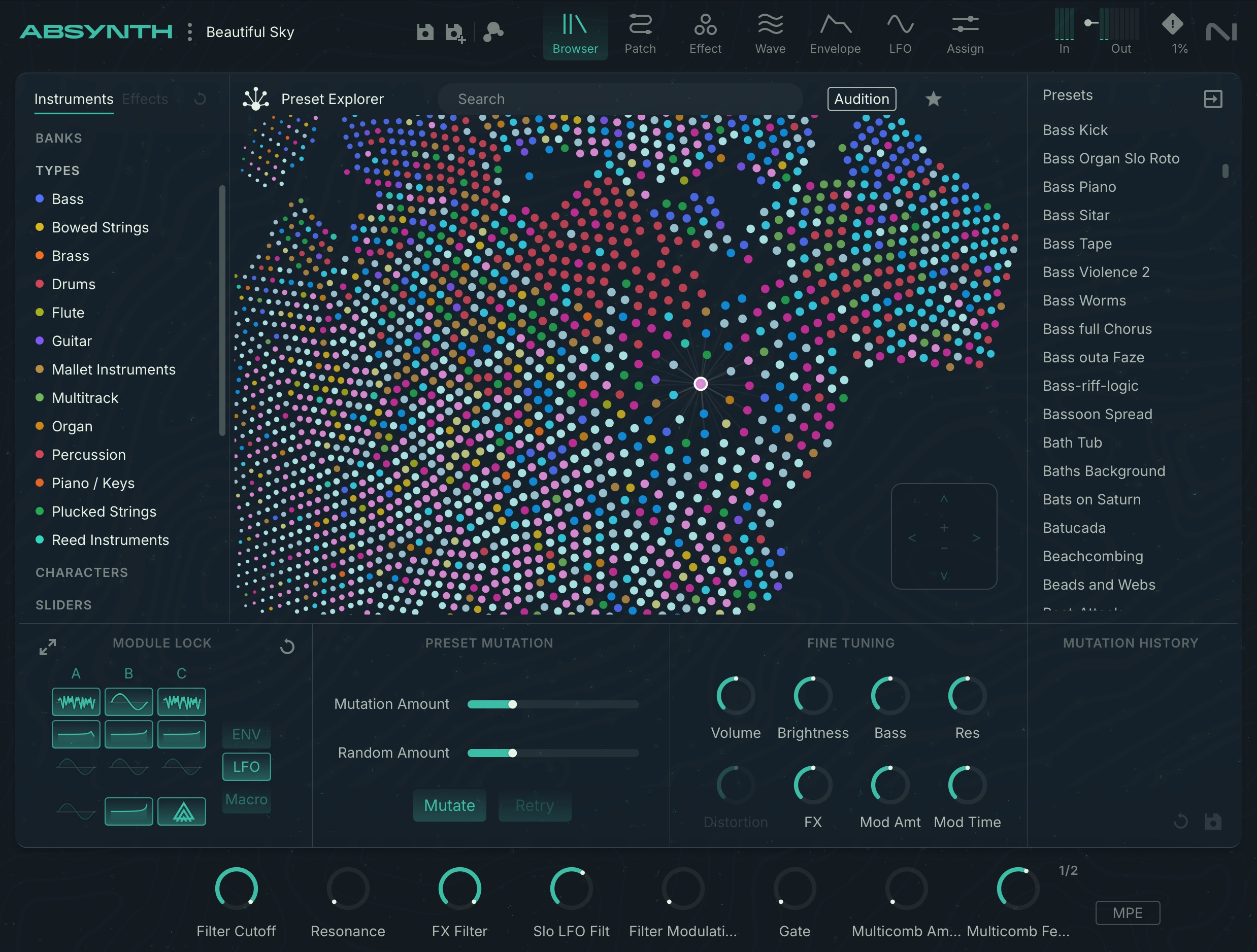
The Preset Explorer helps you find sounds by feel instead of scrolling through names. Navigate a sonic landscape where relationships between tones appear visually, leading you to unexpected discoveries and faster results.
This document shows you how to install and setup Absynth 6 and describes all features in detail, starting with the overview.
Document conventions
In this document the following formatting is used to highlight useful information:
Italics | Indicates paths to locations on your hard disk or other storage devices. | |
Bold | Highlights important names, concepts, and software interface elements. | |
[Brackets] | References keys on the computer keyboard. | |
| Denotes a single step instruction. | |
| Denotes the expected result when following instructions. |


The following three icons denote special types of information:
Tip
The light bulb icon indicates a useful tip, suggestion, or interesting fact.
Notice
The information icon highlights essential information in a given context.
Caution
The warning icon alerts you of potential risks and serious issues.
What’s new in Absynth 6
New in Absynth 6.1
The following features have been added or improved in Absynth 6.1:
Caution
Presets saved in Absynth 6.1 will not open in Absynth 6.0.